Power Automate pricing: Premium, unattended runs and AI
Power Automate pricing starts at $15 per user monthly, paid yearly. Compare Premium, unattended-flow licences and AI Builder credits before budgeting a pilot.
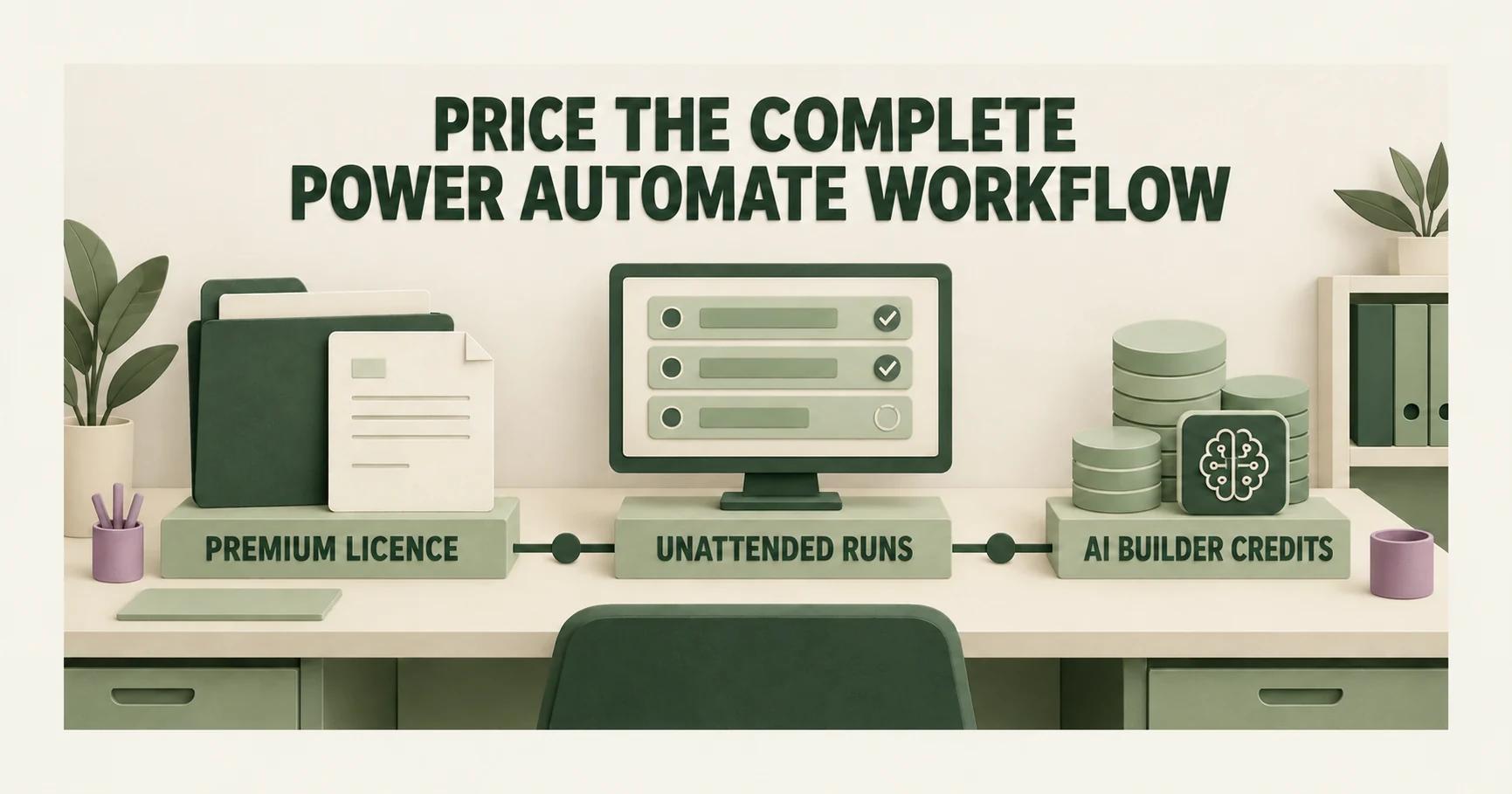
Quick Answer: Power Automate pricing in October 2026 is $15.00 per Premium user, $150.00 per Process bot or $215.00 per Hosted Process bot monthly, paid yearly.1 Premium covers premium connectors; Process supports unattended runs.2 Check existing AI Builder capacity and new Copilot Credit purchases.3 Compare the proposed mix with pilot use.
Summary in a mind map
Power Automate pricing: Premium, unattended runs and AI
│
├─ Define the run
│   ├─ Name the users and connectors
│   ├─ Separate attended from unattended work
│   └─ Record the machine and exception owner
│
├─ Check licences
│   ├─ Premium: $15 per user monthly, paid yearly
│   ├─ Premium includes premium connectors
│   └─ Assess Process for unattended desktop work
│
├─ Allocate AI credits
│   ├─ Choose the environment or organisation pool
│   ├─ Measure credits consumed in a pilot
│   └─ Keep added capacity on a separate line
│
└─ Compare the quote
    ├─ Match users, runs and credits to the same flow
    ├─ Record exceptions and review work
    └─ Confirm the final licence mix and term
Define the run mode
A useful estimate begins with the workflow, not with a subscription catalogue. Consider an equipment repair company that receives a service request, checks a parts record and prepares a job update. A person might launch that sequence from a desktop. The company might instead want it to run without anyone present. Those are different operating patterns. Microsoft's licensing guide distinguishes user licences from capacity licences and identifies Process licences for unattended desktop flows.2
The team should write down the trigger, the applications touched, the person who reviews an exception and the expected run mode. This is a description of the planned work, not a claim that a particular licence will cover it. If the flow only moves data between cloud applications, an unattended desktop machine may never be involved. It might open a desktop application after hours. That feature needs its own licensing check before the team accepts a per-user total.
| Planned work | First licensing question | Pilot evidence |
|---|---|---|
| Cloud flow started by a user | Which user and connector entitlements apply? | Named users and connectors |
| Attended desktop work | Who starts and supervises the run? | User and machine record |
| Unattended desktop work | Which Process entitlement is required? | Machine, schedule and run log |
What does Premium cost now?
Microsoft's US price page listed Power Automate Premium at $15.00 per user per month, paid yearly, when checked on 16 October 2026.1 The billing term matters. For a proposal with several named users, multiply the listed monthly equivalent by the number of users and read the annual commitment on the quote. Do not present the monthly display as proof that the vendor will bill month to month.
For the repair company, the first question is which employees must make or supervise flows. A repair technician who merely receives the finished job update is not automatically the person who builds or runs the automation. The workflow diagram and account list should identify who does which action. That account list can then be compared with the proposed Premium quantity. This keeps a price calculation tied to real use instead of to a broad employee count.
Microsoft also publishes Process at $150.00 per bot per month.1 Hosted Process costs $215.00 per bot per month.1 Both are paid yearly. Hosted Process includes a Microsoft hosted virtual machine. That matters when the design needs unattended desktop runs. These published prices exclude other capacity, data and implementation costs.
| Published plan | Price and billing term | Relevant run mode |
|---|---|---|
| Premium | $15.00 per user/month, paid yearly 1 | Cloud and attended desktop flows |
| Process | $150.00 per bot/month, paid yearly 1 | Unattended desktop flows |
| Hosted Process | $215.00 per bot/month, paid yearly 1 | Unattended desktop flows with Microsoft hosted virtual machine |
Which licence covers the flow?
Premium includes premium connectors, according to Microsoft's licensing guidance.2 That is important when the repair workflow must connect a service desk to a business application. The team should name every intended connector and have the licensing owner check its entitlement. A connector list is more useful than the claim that a workflow is simply 'premium', because a later change to a connected application can change the estimate.
The same guidance distinguishes Process licensing for unattended desktop flows.2 The business should therefore keep two lines in its budget: licences attached to the people involved and capacity attached to the unattended automation. This is not a recommendation to buy both for every flow. It is a way to expose the point where the actual deployment pattern decides the answer. A supplier can then quote the appropriate configuration.
In words, the lanes begin with the business defining the workflow and whether a person attends its runs. The licensing owner then checks Premium users and any Process entitlement for unattended desktop work. The pilot owner measures runs and credit use. The estimate returns to the business for comparison with the intended production pattern.
Locate the AI credits
AI Builder credits are another budget line when the automation uses AI Builder. First check existing entitlements. Microsoft's guidance lists AI Builder capacity with Power Automate Premium, but existing seeded customers do not receive seeded AI Builder credits with future Premium licences. Existing seeded credits are honoured only through the end of the contract term.3 Existing customers can renew or add AI Builder credit add-ons through 1 November 2026.3 New customers can no longer buy that add-on. They must purchase Copilot Credits.3 Acquired AI Builder credits may be allocated to an environment or left at organisation level.3
For a document step in the repair workflow, the pilot record should pair each tested run with the credit use visible to its administrator. The team should separate ordinary flow runs from runs that invoke the AI feature. That gives a count the buyer can compare with the expected workload. It also avoids treating the existence of a credit pool as proof that the production workflow has enough of it. Microsoft's documentation describes both credit allocation and the ability to monitor consumption.3
The cited pages do not give one universal credit quantity or price for this particular repair task. The administrator must identify which entitlement the business already has, whether a new purchase is needed, and which environment can use the credits. The proposed acquisition route and the pilot's measured consumption then become separate lines in the estimate.
Add the missing costs
A complete estimate needs a place for additions that are absent from the displayed Premium figure. Microsoft distinguishes user and capacity licensing; its licensing page also points to capacity and add-ons for certain configurations.2 The buyer should ask whether the proposed run requires a hosted machine, added storage or another capacity item, then put each quoted item on a separate line. The answer depends on the design chosen for this workflow, so the article cannot assign a price to an unspecified addition.
The data question belongs beside the cost question. Record which business records move through the flow, where they are stored and who can see the result. Those choices can affect implementation and hosting work even when the headline licence does not change. For the repair company, a job number and parts status may be enough for an initial operational test; a full customer history should not be copied merely to make the pilot look realistic. The budget should distinguish the planned data set from any later expansion.
The estimate should also name one person who owns exceptions. If a flow fails to find a parts record, it needs a route to a worker rather than an invented answer. That review time is an operating cost, even when it is not a Microsoft licence line. Including it makes the pilot comparison fair: an automated run that creates manual correction work is not equivalent to a completed service update. This is a business measurement, not a product capability claim.
Compare the pilot and quote
Count named users, actual runs, exceptions and AI Builder credit consumption in a pilot configured for the intended production pattern. Compare those quantities with the proposed licence mix and billing term. An unattended design with no Process or Hosted Process line needs an explanation before approval. A supervised pilot cannot validate an unattended design or establish its complete licence cost.1,2,3
Illustrative arithmetic uses assumed quantities. Four Premium users at the published $15.00 rate cost $60.00 per month on a yearly paid plan.1 That is $720.00 over twelve months. Add one Process bot at the published $150.00 rate.1 The combined published plan amounts become $210.00 per month and $2,520.00 over twelve months. Credit consumption, other capacity and implementation are excluded. This is a budget example, not a vendor quote.
Use at least one ordinary case and one exception case from the repair workflow. The ordinary case shows whether the flow reaches a finished job update. The exception case shows whether a missing record is handed to a person and how long resolution takes. Note any connector change needed during the test. If the pilot's configuration differs from the purchase proposal, identify the difference before comparing totals. Otherwise the apparent savings may come from omitting the expensive part of the final design.
The output is a small decision record: workflow definition, run mode, users, connectors, capacity, environment, credit use, quoted term and observed exceptions. It lets the business compare a subscription with evidence from its own work. It does not guarantee future usage, and it cannot replace the current licence terms. It does make an approval decision reviewable if the flow later grows.
When this price does not decide
The $15.00 Premium figure cannot answer whether a particular unattended machine, AI Builder workload or hosting arrangement is economical.1,2,3 Nor does it tell the business whether this workflow should be automated. If the repair process changes every week, a cheap licence may still support an expensive implementation. If the pilot produces frequent exceptions, the team should address the process and data quality before extending the subscription.
The published plan amounts cannot stand in for a final commercial offer. Hosting, added data capacity, support and exception handling depend on the repair firm's chosen design. These costs need their own observed or quoted amounts before the firm can decide whether the automation pays for itself.
What to do next
Write one repair workflow on a page, including its trigger, users, connectors, run mode and exception owner. Ask the licensing owner to price that exact pattern, then compare the quote with a pilot's runs and AI credit use. For a wider view, compare AI agents with automation platforms, customer support triage, accounts payable automation and order processing automation.
Use the AI Foundation Audit to decide the next step for this workflow.
Frequently Asked Questions
What does Power Automate Premium cost per user?
Does a Premium licence cover unattended desktop runs?
Where do AI Builder credits go after purchase?
Are premium connectors included with Power Automate Premium?
How should a business compare a pilot with its quoted subscription?
Sources
Want this run on your business?
AI Foundation Audit — a structured assessment of your AI footprint: integration risks, governance gaps, ROI opportunities. Delivered as a comprehensive report you can act on.
You receive your AI Opportunity Report and Implementation Brief — tailored to your business and delivered immediately.