Robots.txt Checker: Find Blocks for Google and ChatGPT
Use a robots.txt checker with Search Console and OpenAI's crawler guide to inspect host files, parsing errors and path rules before testing access again.
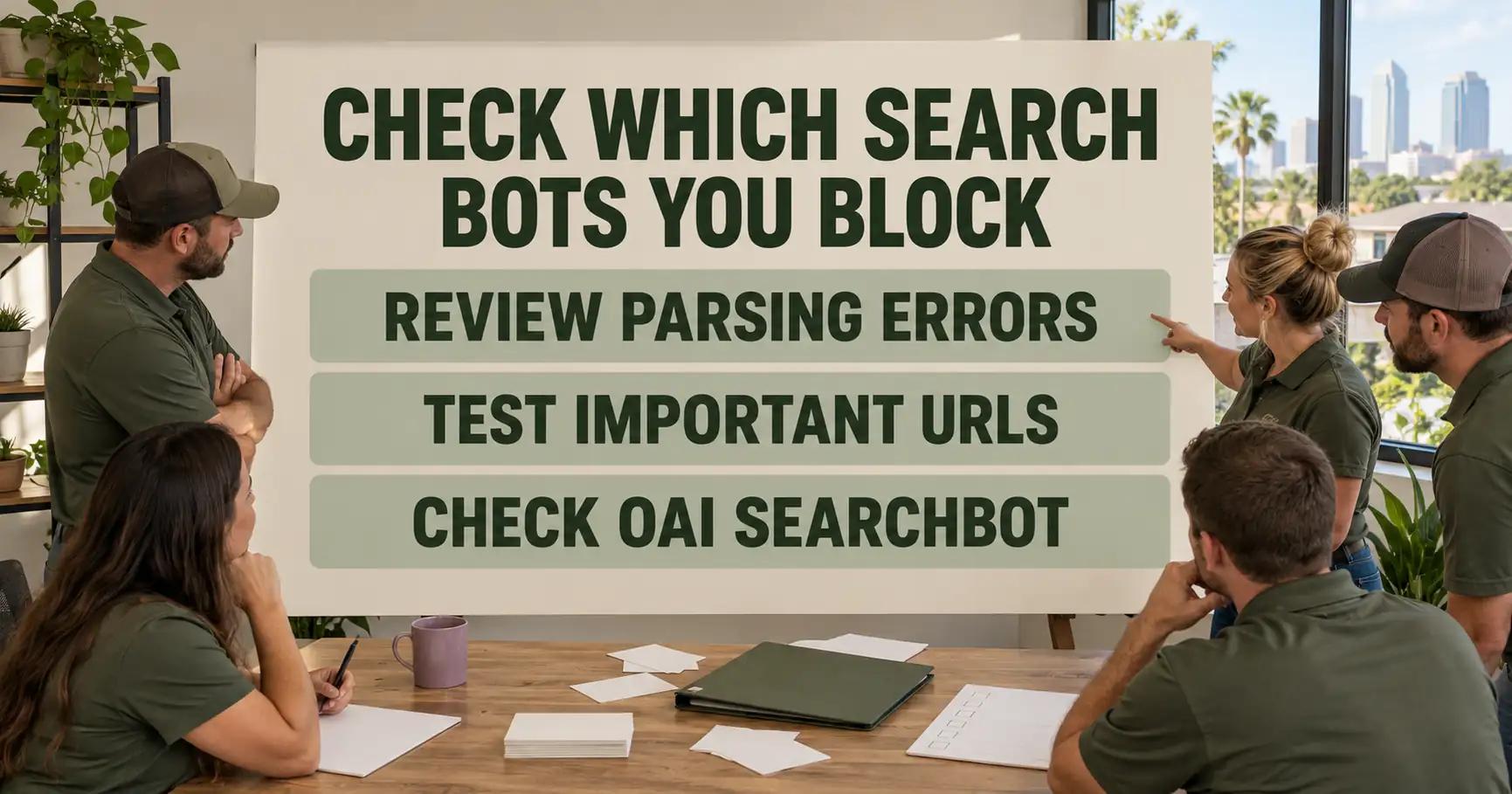
Quick Answer: Use Google Search Console’s robots.txt report to inspect each host's fetched file and parsing errors, then validate the crawler and service-page path separately. For ChatGPT Search, check OAI-SearchBot rather than assuming GPTBot controls discovery. After a change, inspect the fetched version and test access again.1,2,3
Summary in a mind map
Robots.txt Checker: Find Blocks for Google and ChatGPT
│
├─ Locate the file
│   ├─ Match the page's host and protocol
│   └─ Read the version Google last fetched
│
├─ Read the rule
│   ├─ Errors stop a rule; warnings do not
│   └─ Test the exact path and crawler group
│
├─ Separate the goals
│   ├─ Robots.txt governs crawler access
│   └─ Noindex addresses search exclusion
│
└─ Confirm the outcome
    ├─ OAI-SearchBot serves ChatGPT Search discovery
    └─ Recheck the fetched file and page access
Files shown in the robots.txt report
A robots.txt checker starts with the page address, not with a copied rule. The team writes down the complete public URL of a service page. For a roofing company, that could be the page customers reach after a website migration. Its protocol and host are the next checks. Google's robots.txt report is organised around files found for the property's hosts. It shows the last checked status and issues for each file.2
The report is available to a domain property or a URL-prefix property without a path. In a domain property, its view covers the top hosts Google crawled. It does not promise that every host is visible in one screen. For each file, the team compares the file path in the report with the origin of the service page. An old host's file cannot settle access to the new one. The record includes status, checked time and version before drawing a conclusion.2
| Evidence to record | Why it matters |
|---|---|
| Exact service-page URL | Sets the host and path being tested |
| robots.txt file URL in the report | Shows which origin Google checked |
| Last fetch status and time | Separates a current file from an older fetched version |
| Issues on the fetched version | Identifies the lines Google could not use |
Google explains that robots.txt tells crawlers which URLs they may access. It is mainly an access instruction, not a page-quality score. When a migration introduces a new host or path, a team must inspect that new location even if an old file was clean.1
Parsing errors and warnings
Search Console distinguishes a fetched file from a usable line. A successful fetch can still contain parsing issues. The team opens the file in the report to inspect the highlighted contents of the version Google last fetched. An error prevents the affected rule from being used. A warning does not prevent a rule from being used. Those two findings need different responses.2
For the roofing site, suppose a developer intended to disallow an archive but sees one highlighted error after deployment. The useful question is whether the error sits on that instruction, on a different line or in a file from another origin. An issue count alone does not answer it. The line and version matter. A copy of the instruction belongs in the change record. The team can then compare deployment with Google's fetched version.2
| Report finding | Reading | Immediate check |
|---|---|---|
| Fetched, no issue on the rule | Google obtained a parsable line | Test the intended path and crawler |
| Fetched, error on the rule | That line cannot be used as intended | Correct the line and request another fetch if critical |
| Fetched, warning | The warning does not stop rule use | Inspect the warning; avoid assuming a block |
| Not fetched | The report lacks a usable current copy | Investigate file availability for that origin |
The table is a diagnostic order, not a substitute for a path test. It prevents a common mistake. A team might rewrite a service page before Google has the expected file. It might also call the page blocked because of a warning elsewhere.2
Disallow and the exact page
The next step compares the intended crawler group and the service-page path. A broad instruction can affect more URLs than expected. A narrow instruction can miss the page after a migration. The check sheet records the group, the Disallow line and the page path next to each other. The team checks the result for the new URL and, separately, for any old URL still receiving requests. This is the point at which a robots.txt checker becomes a reproducible test rather than a visual inspection.1,2
Worked test for a public roof-repair page: use https://example.com/roof-repair. Its path is /roof-repair. In that host's robots.txt, set User-agent: OAI-SearchBot and Disallow: /private/. That leaves /roof-repair allowed for this crawler. Replace the second line with Disallow: /roof-repair; the path is then blocked. Inspect the file's fetched version in Search Console. Enter the exact crawler and URL in a robots.txt validator to compare each outcome. The report shows parsing and fetch information; separate validation checks the crawler-path pair.1,2,3
Google's file explains crawler access. A successful path test means the relevant instruction no longer prevents that crawler from fetching the URL. It says nothing by itself about whether the page will be indexed, selected or displayed for a query.1
Crawl blocks and noindex
No. Google states that robots.txt is not the mechanism for keeping a page out of its results. If the business wants a page absent from Google, its guide points to noindex or password protection. If the business wants the public service page found, an accidental Disallow is the issue to fix. These are opposite goals, so the owner should write the intended outcome before editing either control.1
A noindex instruction on a page can only be read if a crawler can reach the page. Blocking a crawler at robots.txt while relying on page-level noindex confuses access with exclusion. For a public roofing service page, the team should first decide that discovery is intended, then remove any unintended access block and inspect the page's own indexing signals. For a private draft, choose an appropriate exclusion method instead.1
The bot for ChatGPT Search
OpenAI's crawler documentation names OAI-SearchBot for surfacing websites in ChatGPT search features. The crawler name must match exactly. GPTBot is a separate documented crawler, so a rule targeting GPTBot alone does not answer whether OAI-SearchBot may discover a page for ChatGPT Search. Each user-agent group needs its own test rather than collapsing all OpenAI traffic into one label.3
The same page path can have different outcomes for Google and OAI-SearchBot. The change record therefore needs a row for each crawler. A site owner might deliberately choose different access rules. The consequence should be visible before anyone assumes that one robots.txt edit affects both search surfaces.1,3
Confirming the changed rule
After a critical rule changes, the team returns to Search Console's robots.txt report and inspect the newly fetched version. Google offers a request for recrawl when an error was fixed or an important URL was unblocked. It says such a request does not guarantee an immediate recrawl of the unblocked page. The file fetch and the page fetch are different observations.2
A dated check sheet works for each target page: file URL, crawler group, intended path, old rule, new rule, report status and the next page-level check. If server logs are available, look for a dated request by the intended crawler to that exact URL and record its response status. An attempted request with a blocked or failed response does not establish successful retrieval; a successful page response does. Neither outcome proves search inclusion. Keep the raw observation and its date.1,2,3
For a migration, the team repeats the check on a public service page. It also tests a page that should remain blocked. That paired test catches a broad correction that opens an internal path while solving the public-page problem. It creates a clear before-and-after record. The team should claim neither a ranking nor a ChatGPT citation without measuring one.1,3
Limits of the check
This procedure cannot guarantee that Google or ChatGPT Search will show a page. It can establish which robots.txt file and instructions a crawler appears to receive. It can also test access to a particular URL. Google distinguishes crawler access from exclusion from search results; OpenAI names the search crawler but does not promise inclusion for every accessible site.1,3
It also cannot infer the site owner's intent. A blocked page may reflect several causes. It may be deliberate, a migration mistake or a security boundary. The business must decide which URLs should be public before changing a rule. For broader search context, read how to check AI mentions, understand generative engine optimisation, assess ChatGPT recommendations and diagnose a competitor mention.
In words, the tree branches like this: identify the page's origin, inspect the last fetched robots.txt file, resolve an error if the intended rule is unusable, test the exact crawler and path, then confirm the new file version and page access.
What to do next
The team chooses one revenue-critical service page and writes down the Google and OAI-SearchBot access results for its exact URL. It fixes a verified mistake, then repeats the file and page checks. Use AI Answer Audit as the next step for assessing your AI answer visibility.
Frequently Asked Questions
Does Google Search Console still offer a robots.txt checker?
Do robots.txt warnings block a rule from working?
Should I block GPTBot to stop ChatGPT Search from finding my pages?
Will a robots.txt disallow rule remove a page from Google?
Which robots.txt file should I check after a site move?
Does a recrawl request prove Google can index the page?
Sources
Want this run on your business?
AI Foundation Audit — a structured assessment of your AI footprint: integration risks, governance gaps, ROI opportunities. Delivered as a comprehensive report you can act on.
You receive your AI Opportunity Report and Implementation Brief — tailored to your business and delivered immediately.