Local Business Schema: Fields, Locations and Page Checks
Local business schema needs a real name and physical address for Google's rich results. Match hours, phones and location details to the page before testing.
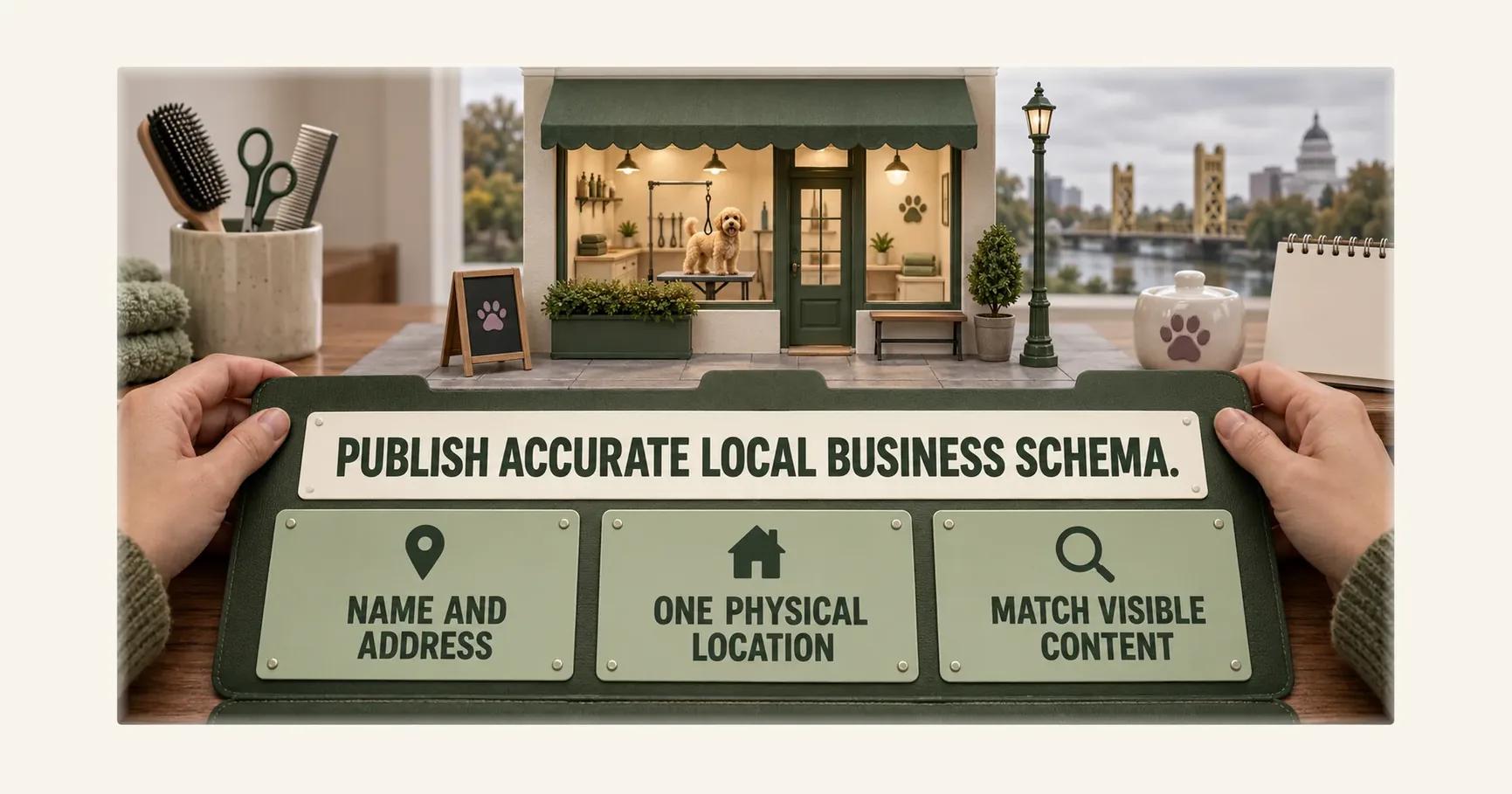
Quick Answer: Local business schema needs a shop's name and physical address for Google's rich-result eligibility1. Choose a fitting subtype, separate branches and departments, and match hours, phone and address to the visible page1,2,3. Test published markup, but validity does not guarantee a search ranking or AI citation1.
Summary in a mind map
Local Business Schema: Fields, Locations and Page Checks
│
├─ Identify the place
│   ├─ Name and physical address are required
│   └─ Select a defensible shop subtype
│
├─ Represent the structure
│   ├─ Give each real branch its own record
│   ├─ Nest departments with distinct details
│   └─ Avoid invented locations
│
├─ Match visible details
│   ├─ Hours and phones reflect the live page
│   └─ Review markup needs a separate rule check
│
└─ Validate then observe
    ├─ Test code and inspect the published URL
    └─ Valid markup does not promise ranking
Start with name and address
Google's LocalBusiness guide marks name and address as required properties for rich-result eligibility. Its description calls the address the physical location of the business. A Sacramento pet-grooming shop should therefore start with its real trading name and the street location customers visit, not with an optional field copied from a plugin example1.
The first artefact is a short location record: name as shown to customers, full postal address, page URL and the person who confirms them. This is an editorial control. It lets the owner compare structured data with the contact page without treating a passing syntax check as proof of factual accuracy1,3.
If the shop has moved, update the visible page and the markup together. Google's general policy says structured data must not mark up content invisible to readers and must not be misleading. A former address hidden in JSON-LD would create a mismatch even if the code parses3.
| Field | Google status | Owner's check |
|---|---|---|
name | Required1 | Same business identity as visible page |
address | Required physical location1 | Current branch address in page content |
telephone | Documented property1 | Number reaches this location |
openingHoursSpecification | Documented property1 | Schedule matches what customers see |
Select the precise shop type
Schema.org defines LocalBusiness as a particular physical business or branch of an organisation. Google uses more specific business types in its examples, including Restaurant. For this grooming shop, choose LocalBusiness as the defensible @type until a more specific subtype is established. Google says to use the most specific LocalBusiness subtype possible; the shop should not copy an unrelated type from a sample payload1,2.
The type choice is a classification step, not an opportunity to add services that the shop does not provide. A team member can record why the chosen subtype describes the premises and visible offer. If none is defensible, the broad LocalBusiness type still describes a physical business. The cited sources do not prescribe a special search reward for choosing an ever narrower term1,2,3.
That decision should precede coding. It keeps the page's main claim about the business stable even if a developer later changes the JSON-LD syntax or the site template. It also gives a reviewer a plain-language question: “Does this type describe the shop a visitor would find at this address?”2,3
Map branches and departments
A branch is a particular physical business under schema.org's definition. For each physical location, create a separate LocalBusiness entity and compare its address with that location's visible page. Google says to define each local business location as a LocalBusiness type. Copying one address into every branch's markup defeats the purpose of a location-specific description1,2.
Google also documents department for a business with internal departments that have distinct properties, such as different telephone numbers or opening hours. Those differing values belong on the department element. A grooming shop might later operate a genuinely separate counter, but it should not invent a department merely to create more markup. This example is conditional; whether a counter qualifies depends on the actual business1.
| Situation | Representation to assess | Verification question |
|---|---|---|
| One physical shop | One LocalBusiness entity1,2 | Does the address identify that shop? |
| Two physical branches | One LocalBusiness entity per location1,2 | Which page belongs to each address? |
| Real department with distinct hours | Nested department1 | Are those hours visible to customers? |
The site may have service-area copy as well as a shop address. This article's required-address rule concerns Google's LocalBusiness rich-result documentation. It does not settle eligibility for every service-area model. Where there is no customer-facing physical location to describe, the owner should not invent one to pass this checklist1,3.
Match hours and contact details
Google lists openingHoursSpecification and telephone among its LocalBusiness properties. Its examples show how schedules can vary by day and how seasonal changes can be represented. A shop should enter the actual timetable it publishes to customers, rather than pasting the sample hours into production1.
Before release, read the rendered contact page as a customer. Does the address include the right street and city? Does the number connect to that shop? Are the hours for the current season? Then inspect the generated JSON-LD from the live page. The two surfaces should describe the same place. Google's visibility guideline makes this comparison substantive rather than cosmetic1,3.
A change log can record the date, page, field and approver for a phone or hours update. That is a practical quality control, not a requirement claimed for Google. It prevents the website text and the structured data from drifting apart when one team edits a page and another maintains the plugin3.
Check review claims separately
The LocalBusiness guide has a specific limitation for review and aggregate rating properties: it recommends them for sites capturing reviews about other local businesses. An owner should not assume its self-published testimonials become an eligible Google review display because a plugin provides a rating field1.
This is a separate check from name and address. The shop can still show genuine customer feedback on its page, subject to its own editorial process. Whether to add review markup requires the cited Google rule to be checked against the site's role. A software warning that a rating field is absent does not override that rule1.
For the worked shop example, leave rating markup out until the owner can explain how the page meets Google's conditions. The decision avoids a misleading claim while preserving the location details customers actually need. Google's general guidelines also say not to mark up irrelevant or misleading content1,3.
Test code and the live page
Google recommends the Rich Results Test for structured data, followed by URL Inspection on deployed pages. This is a two-stage procedure: test the data format, then check how Google sees the published URL. Save the tested URL and date so the result can be tied to a particular version of the page1.
A test can expose errors in required properties. It cannot verify that a phone number reaches the right desk or that the shop opens at the hours stated. Those facts need a business check. Nor does passing the test guarantee that Google will show a rich result for a query or cite the page in a generated answer1,3.
The workflow below keeps the factual and technical checks together. Its last step is a review of observed results after publication, not a promise about placement.
In words, the tree branches like this: confirm a real physical location; enter its name and address; choose an accurate subtype and optional details; compare those details with the visible page; test the markup and inspect the live URL before observing any search result.
Where this procedure stops
This procedure cannot classify a business without a physical location under Google's LocalBusiness rich-result requirements. It cannot promise ranking or an AI citation from valid markup. It also does not decide whether a specific self-published review qualifies; that requires the review rule and the site's actual role to be assessed1,3.
What to do next
Prepare one location record for the grooming shop, check the visible contact page, then validate the published URL. Repeat the record only for genuine other branches or departments. For the separate question of whether ChatGPT recommends your business, observe answers rather than inferring them from schema. Check AI mentions of your brand, read the wider generative engine optimisation context and examine why a competitor may be recommended. Use AI Answer Audit to check how AI answers describe and recommend the business.
Frequently Asked Questions
Which LocalBusiness fields does Google require?
Should I choose a subtype of LocalBusiness?
How should separate branches appear in structured data?
Must opening hours and phone numbers match the page?
Can my business mark up its own review rating?
Does a passing rich-result test guarantee ranking?
Sources
Want this run on your business?
AI Foundation Audit — a structured assessment of your AI footprint: integration risks, governance gaps, ROI opportunities. Delivered as a comprehensive report you can act on.
You receive your AI Opportunity Report and Implementation Brief — tailored to your business and delivered immediately.