Google Knowledge Panel: Claim or Correct Your Listing
Check whether a Google knowledge panel can be claimed, verify a representative and submit public evidence for corrections without direct editing control.
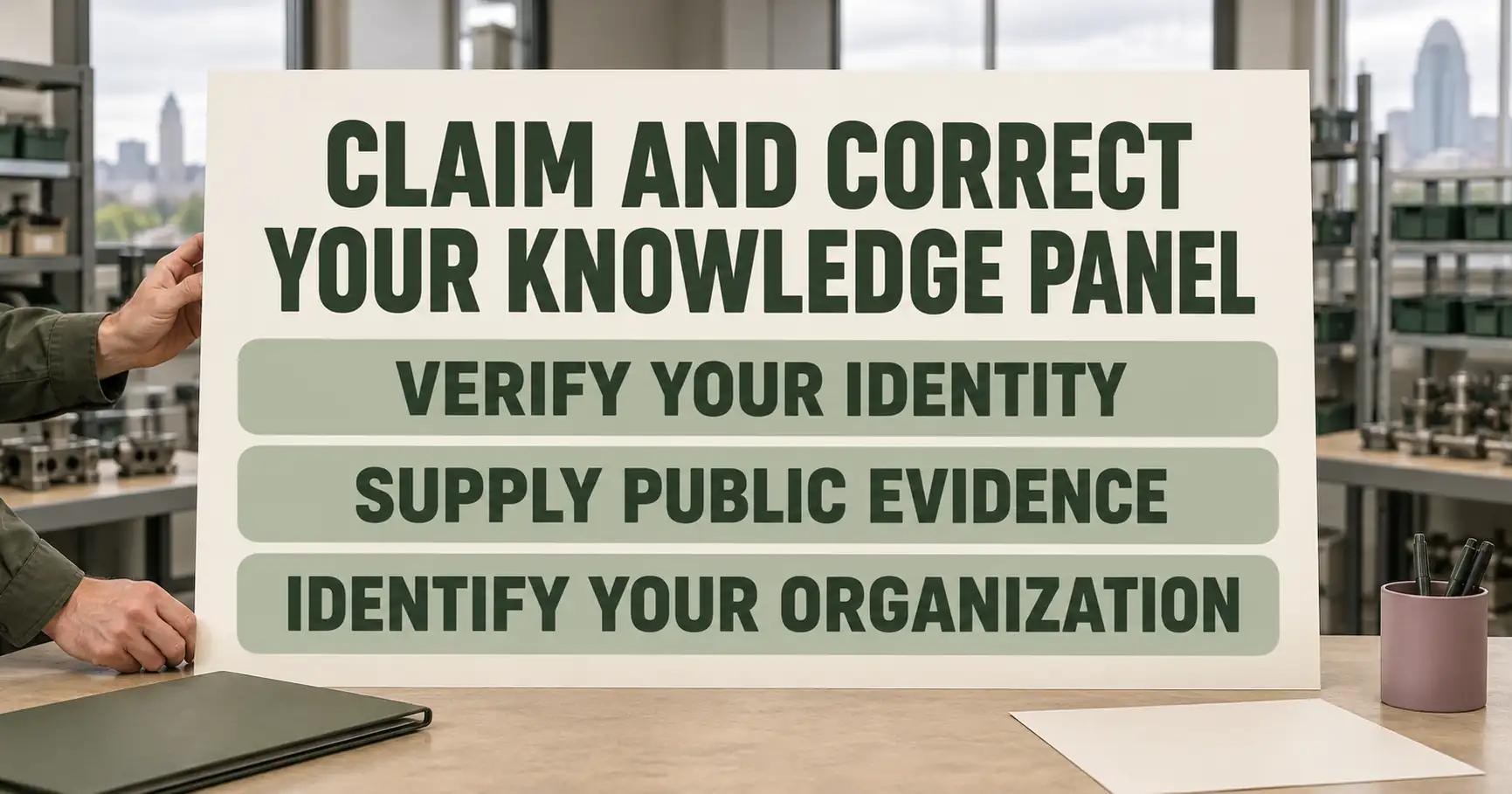
Quick Answer: First distinguish a knowledge panel from a local Business Profile. If a claim option appears, verify an authorised representative through Google and submit each correction with public evidence; verification does not grant direct control over automated content. Accurate organisation markup can help Google distinguish the business.1,2,3
Summary in a mind map
Google Knowledge Panel: Claim or Correct Your Listing
│
├─ Identify the surface
│   ├─ Knowledge panel and local profile differ
│   └─ Capture the exact wrong item
│
├─ Check claim access
│   ├─ Not all panels can be claimed
│   └─ Use a maintained representative account
│
├─ Submit evidence
│   ├─ One suggestion per inaccurate item
│   └─ Include publicly accessible URLs
│
└─ Understand the limit
    ├─ Automated fields remain automated
    └─ Organisation markup supports identity
Panel or local Business Profile
The first step is to identify the surface that actually contains the wrong information. A small Cincinnati equipment manufacturer may find an old company name or website in a search result. That observation does not identify the search feature. It may be an organisation knowledge panel or a local Business Profile. The two surfaces have different management routes. The team should first capture the search, URL and visible item.1,2
Google describes knowledge panel content as information generated automatically from public web sources. That explains why the company cannot assume its website dashboard directly controls every item. Search for the exact organisation name, record the panel shown, and check whether the claim option is offered. Google explicitly says not all panels can currently be claimed. An absent button does not prove that a competitor has taken control.1,2
| What appears | First diagnostic question | Next route |
|---|---|---|
| A panel about the organisation | Is a claim option available? | Verification, then verified feedback if possible |
| A local place result | Is this a managed location profile? | Use the location's appropriate management route |
| An ordinary search result | Is the wrong text on the source page? | Correct the public source first |
A request aimed at the wrong surface can leave the inaccurate source untouched. A dated screenshot is useful for the company's own record. It does not replace a publicly accessible URL. Google asks for that evidence to support an edit.2
Claim availability and identity
When the claim option exists, follow Google's verification process for the organisation. The representative should use an account they can maintain. Google may require evidence that the account represents the entity; the exact available verification route depends on what Google offers for that panel. A team should not invent an alternative method merely because a desired account is unavailable.1
Verification changes the feedback path. It does not give ownership of the panel. Google says verified users can have feedback prioritised. The company should record which account completed verification and who is authorised to use it. That prevents reliance on a personal account. A colleague can then submit a future correction. The control is operational: access continuity matters when the panel changes again.1,2
The manufacturer can treat an old name and a wrong website as separate proposed corrections. Before submitting either, it needs to know which public source proves the current name and which proves the official domain. A claim alone cannot supply that evidence.2
Official accounts for verification
Google lists YouTube, Search Console, Twitter and Facebook as official sites or profiles. A representative can sign in through one of these during the claim process. Use the option Google offers for this panel. The list describes verification routes; it does not require all four accounts.1
Public URLs for each correction
Google's verified feedback instructions ask for a description of the error and publicly accessible URLs supporting the suggestion. Write the correction in plain terms: what the panel says now, what the business says is accurate, and where a reader can independently see that information. Use one item per suggestion, as Google's procedure directs for multiple changes.2
| Item to correct | Evidence the team should assemble | What not to assume |
|---|---|---|
| Company name | A public page identifying the current organisation | A private email is a public source |
| Official website | A public page linking identity to the current domain | The old domain will disappear automatically |
| Social profile | The public profile URL and identity match | Verification gives unlimited edit control |
The example evidence is a preparation checklist, not a claim that Google accepts every listed page. Google reviews suggestions against other public information. If sources disagree, the business should investigate before sending repeated requests. A stale third-party page may continue to confuse automated systems even when the company's own site has changed.2
Submit feedback and track it
After verification, the representative follows this sequence for each inaccurate item.2
- Sign in with the verified Google account and check that Web and App Activity is turned on.2
- Search for the entity and, at the top of its knowledge panel, select Suggest edits.2
- Select Edit for the item, describe the correction and add the publicly accessible URLs that support it.2
- Select Send, then keep the confirmation with the dated evidence record.2
If the option is missing, first check that the signed-in account is the one verified for that panel. Anyone may submit general feedback, but the verified route has its own identity conditions.2
Keep a compact record of the date, item, requested replacement, evidence URLs and confirmation email. Google says it reviews verified feedback within a few days. It may take longer. Its response is a resolution, not a promise that a requested text will appear. Compare the panel after the review and record the actual result. If the correction was rejected or only partly applied, the next step is to understand which public facts conflict.2
Google also says it does not manually create or delete knowledge panels on request. A company that cannot find one should avoid framing a feedback form as an application for a new panel. The goal of this procedure is to correct an existing representation, not to guarantee a new Search feature.2
Which edits stay automated?
Verification does not make every field editable. Google says panel titles and subtitles are generated automatically. It accepts feedback on an inaccurate title only with substantial evidence, and it does not accept custom subtitles. Descriptions come from various sources and cannot be directly rewritten through the panel. Where a description is wrong, correcting its source may be more effective than repeatedly requesting a new sentence.2
The manufacturer's outdated name illustrates the point. Its representative can explain why the displayed name is wrong and provide public evidence. Google still evaluates that evidence against other information. For an outdated website link, the team should ensure that the official public site itself identifies the organisation clearly. This does not guarantee Google's choice. It makes the evidence coherent.2
The distinction between suggestion and control should be explicit in the internal plan. Staff can control their own pages, evidence and feedback submissions. They cannot set the panel's appearance, timing or all automatically generated fields at will.2
Organisation markup and similar names
Google's organisation structured-data guide says some properties are used behind the scenes to disambiguate organisations. For a manufacturer sharing a name with another company, the official website should make the organisation's identity clear. Markup can reinforce the name and official address or other properties supported by the guide, but it should describe the real entity shown on the page.3
This is a separate step from the panel claim. Markup does not create a panel on demand and does not override Google's review of a proposed correction. The team can inspect the site's public identity, make its structured data consistent with visible facts, and then submit feedback with public URLs. If two companies are confused, document their differing domains and identities. A bare name gives less context.2,3
For wider visibility work, see how to check AI mentions, understand generative engine optimisation, assess whether ChatGPT recommends a business, and explore why a competitor appears instead.
What this process cannot decide
The procedure cannot guarantee that Google will create a claimable panel, accept a correction or show one precise field. Google's own pages describe limited claim availability and automated panel generation. A clear submission is evidence for a review, not an instruction that takes effect immediately.1,2
Nor does markup establish that a company's public facts are true. If the official site and other public sources disagree, the business must resolve the underlying records and explain the change. The feedback form cannot replace that source work. Record the exact item that remains wrong after review rather than describing the whole panel as “unfixed.”2,3
In words, the tree branches like this: identify the search feature, check whether a knowledge panel can be claimed, verify the authorised account if it can, and submit a separate evidence-backed suggestion for each wrong item. If claim is unavailable, use the feedback path that the displayed panel offers.
What to do next
Capture one current panel view and one public URL proving the first proposed correction. Confirm which account can represent the organisation, then send the specific feedback and log Google's response. Use AI Answer Audit as the next step for reviewing broader AI answer visibility.
Frequently Asked Questions
Can every business claim a Google knowledge panel?
Is a local Business Profile the same as a knowledge panel?
What proof should accompany a company name correction?
Can a verified representative edit the panel directly?
Will organisation markup create a knowledge panel?
How long does a Google panel correction take?
Sources
Want this run on your business?
AI Foundation Audit — a structured assessment of your AI footprint: integration risks, governance gaps, ROI opportunities. Delivered as a comprehensive report you can act on.
You receive your AI Opportunity Report and Implementation Brief — tailored to your business and delivered immediately.